Table of Contents
ToggleBTEUP Admit Card 2025 Out – Download Polytechnic Diploma Hall Ticket @ bteup.ac.in
Last Updated on: 12 November 2025
Organization: Board of Technical Education, Uttar Pradesh (BTEUP)
Category: Admit Card | Exam Updates
Official Website: bteup.ac.in
BTEUP Admit Card 2025 Released
The Board of Technical Education, Uttar Pradesh (BTEUP) has officially released the BTEUP Admit Card 2025 for Polytechnic Diploma students. Candidates enrolled in Even and Odd semester exams can now download their admit card from the official website — bteup.ac.in.
All students must carry the BTEUP Admit Card 2025 to their examination center, as entry without it will not be permitted.
How to Download BTEUP Admit Card 2025
Follow the simple steps below to download your admit card:
Visit the official website – bteup.ac.in
On the homepage, click on the “Student Login / Admit Card” link.
Select your course and semester (Even/Odd).
Enter your Enrollment Number / Roll Number and Date of Birth.
Click on the “Submit” button.
Your BTEUP Admit Card 2025 will appear on the screen.
Download and print the admit card for future reference.
Details Mentioned on BTEUP Admit Card
Once downloaded, candidates should verify the following details carefully:
Student’s Name
Roll Number
Enrollment Number
Course & Semester
Exam Date and Timing
Exam Center Name & Code
Instructions for Candidates
If any discrepancy is found, students should immediately contact their institute or the BTEUP board.
Important Instructions for Students
Carry the BTEUP Admit Card 2025 and a valid Photo ID to the exam hall.
Reach the exam center at least 30 minutes before the exam starts.
Do not carry any electronic gadgets, calculators, or notes.
Follow all COVID-19 or institutional safety guidelines if applicable.
Direct Link to Download BTEUP Admit Card
👉 Click Here to Download BTEUP Admit Card 2025
About BTEUP
The Board of Technical Education, Uttar Pradesh (BTEUP) is responsible for conducting Polytechnic Diploma examinations and managing the technical education system across the state. It oversees various diploma courses in engineering, technology, and pharmacy.
For regular updates on BTEUP results, time tables, and admit cards, stay connected with StudyCafe.in.
Quick Links
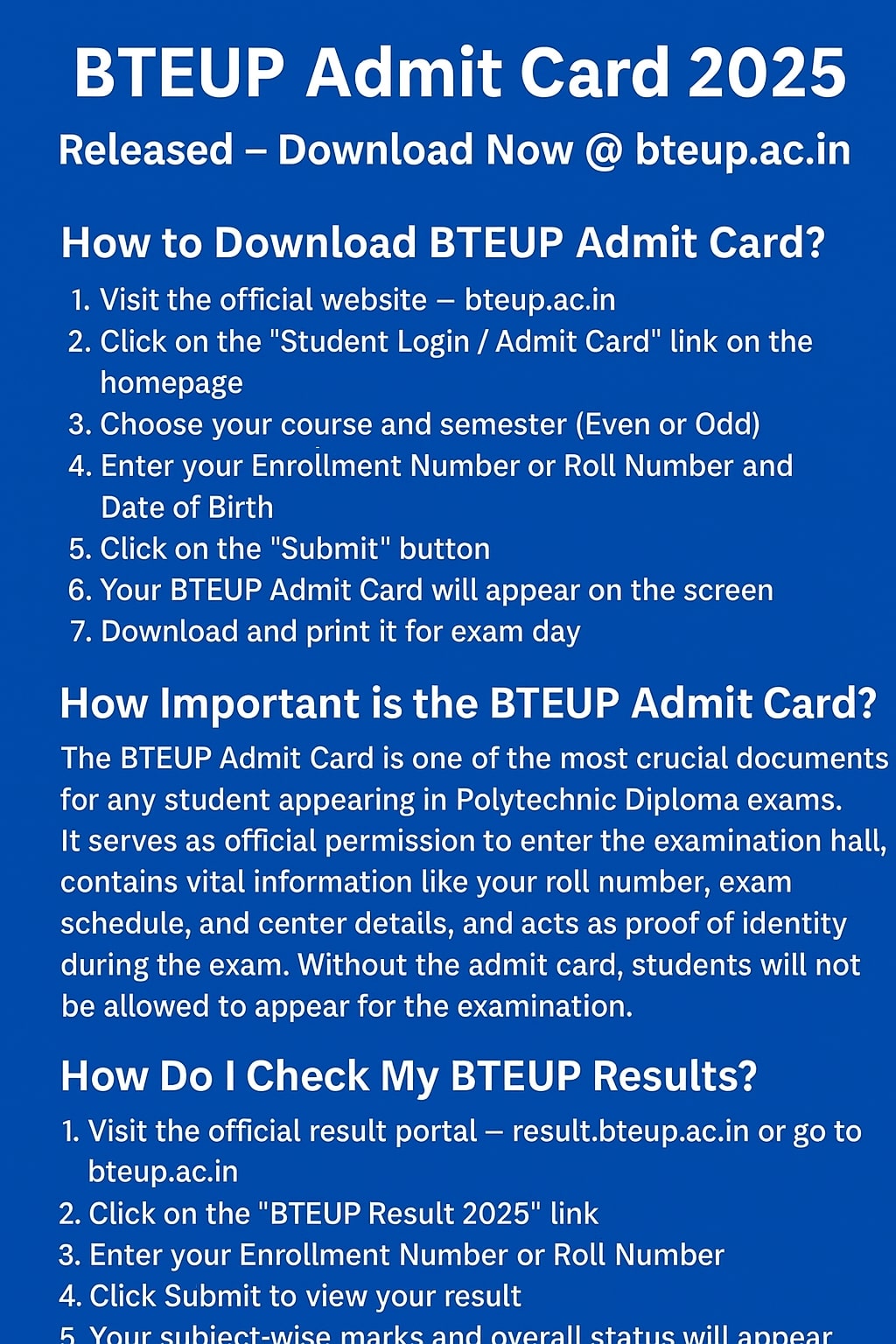
How to Download BTEUP Admit Card?
Downloading your BTEUP Admit Card 2025 is quick and simple. Follow these steps:
Visit the official website – bteup.ac.in.
Click on the “Student Login / Admit Card” link on the homepage.
Choose your course and semester (Even or Odd).
Enter your Enrollment Number or Roll Number and Date of Birth.
Click on the Submit button.
Your BTEUP Admit Card will appear on the screen.
Download and print it for exam day.
🟢 Tip: Double-check all details (name, roll number, exam center) before printing.
🎓 How Important is the BTEUP Admit Card?
The BTEUP Admit Card is one of the most crucial documents for any student appearing in Polytechnic Diploma exams.
Here’s why it’s important:
It serves as official permission to enter the examination hall.
It contains vital information like your roll number, exam schedule, and center details.
It acts as proof of identity during the exam.
Without the admit card, students will not be allowed to appear for the examination.
⚠️ Always carry a printed copy of your admit card along with a valid photo ID (like Aadhaar or college ID).
📊 How Do I Check My BTEUP Results?
Once exams are completed, BTEUP results are published online. You can check your result by following these steps:
Visit the official result portal – result.bteup.ac.in or go to bteup.ac.in.
Click on the “BTEUP Result 2025” link.
Enter your Enrollment Number or Roll Number.
Click Submit to view your result.
Your subject-wise marks and overall status will appear on the screen.
Download or print the result for record purposes.
🟢 Note: Always verify your result details and contact your institute if there’s any discrepancy.